Chrome Mobile DevTools
Mobile app debugging tools
Application development software
Mobile development software
- Features
- Ease of use
- Ease of management
- Quality of support
- Affordability
- Market presence
Take the quiz to check if Chrome Mobile DevTools and its alternatives fit your requirements.

Completely free
 Free Trial unavailable
 Free version

Small

Medium

Large

- Media and communications
- Information technology and software
- Education and training
What is Chrome Mobile DevTools
Chrome Mobile DevTools refers to the Chrome DevTools workflows used to debug and inspect web content running on mobile devices, including remote debugging of Chrome on Android and WebViews in Android apps. It supports front-end developers and mobile web teams who need to diagnose layout, performance, network, and JavaScript issues on real devices. The toolset is accessed through Chrome on a desktop and connects to a mobile device over USB (or other supported transports) to provide an interactive inspection and debugging session.

Remote inspection on devices
It supports remote debugging of Chrome on Android and Android WebViews, enabling inspection of DOM/CSS, console output, and runtime state from a desktop browser. This helps teams reproduce issues that only appear on specific devices or OS versions. The workflow is well-suited to debugging hybrid apps and mobile web pages where the rendering engine is Chromium-based.
Integrated performance tooling
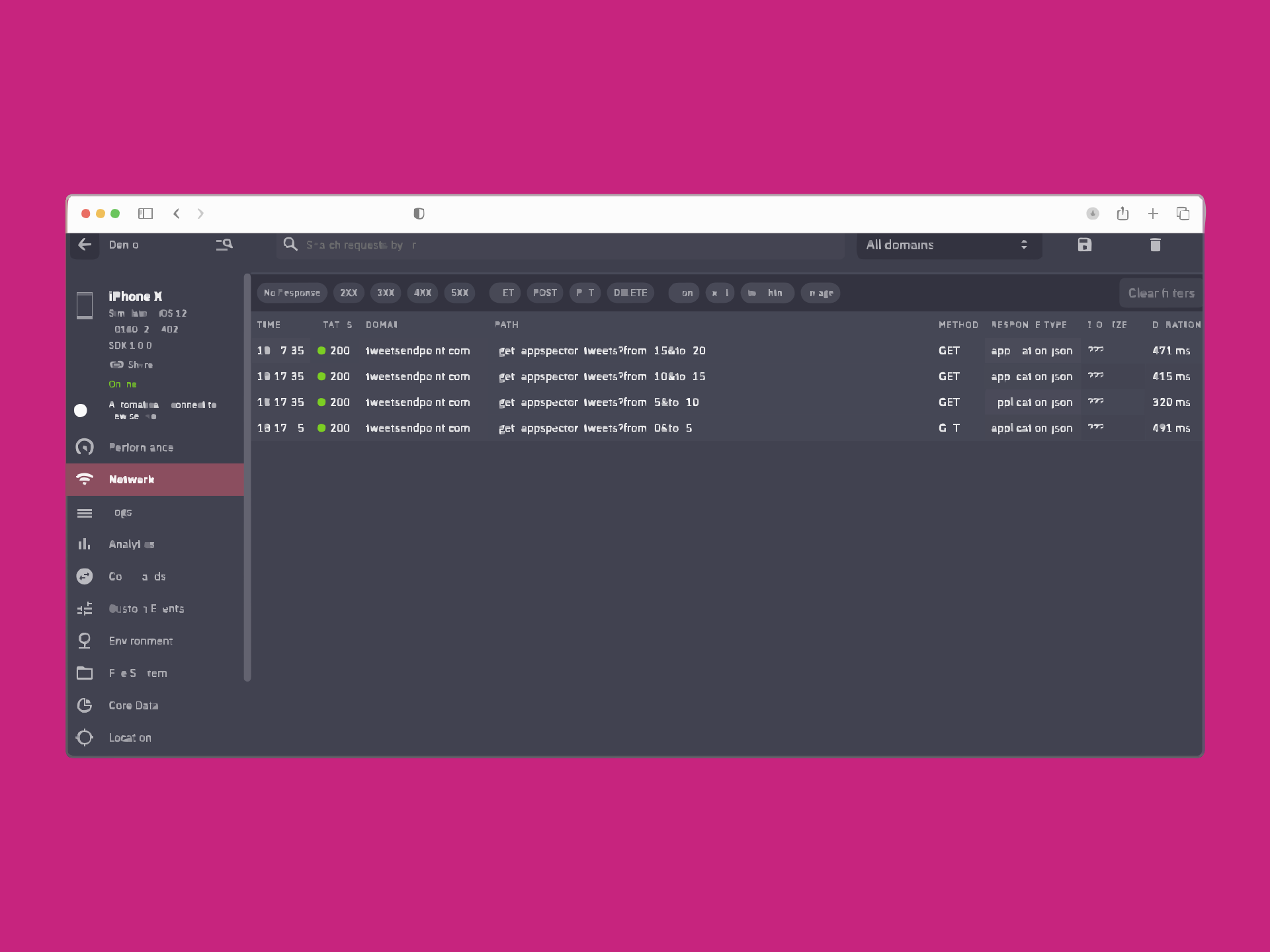
It includes built-in panels for profiling performance, analyzing rendering and layout behavior, and reviewing network activity. Developers can correlate user interactions with timeline events to identify bottlenecks. This provides a single place to investigate common mobile web issues such as slow page loads, long tasks, and excessive network requests.
No separate paid agent
It is part of Chrome and does not require installing a separate commercial debugging agent or device-lab product to start basic remote debugging. Teams can use it with standard developer workflows and existing Chrome installations. This lowers setup friction for ad hoc debugging compared with tools that require dedicated infrastructure or proprietary runtimes.

Platform and engine constraints
The most direct support is for Chrome on Android and Android WebViews; it does not provide equivalent first-party remote debugging for iOS Safari. Coverage depends on the underlying browser engine and OS capabilities. Teams building cross-platform native apps may need additional platform-specific tooling for non-Chromium environments.
Not a full device lab
It focuses on debugging and inspection rather than providing managed device clouds, automated test execution, or large-scale device coverage. Organizations that need repeatable testing across many device models typically require separate infrastructure. As a result, it is less suitable as a standalone solution for QA device management.
Setup can be environment-sensitive
Remote debugging commonly requires USB debugging, correct device drivers (on some operating systems), and appropriate permissions. Connection reliability can vary with device policies, cable quality, and enterprise restrictions. These dependencies can add troubleshooting overhead in locked-down corporate environments.
Plan & Pricing
| Plan | Price | Key features & notes |
|---|---|---|
| Free (Chrome DevTools) | $0 — included with Google Chrome | Built into the Google Chrome browser; provides desktop and mobile debugging (mobile emulation, remote device inspection via chrome://inspect / about), no separate subscription or paid tiers listed on the official site. |
Seller details

Google LLC

Mountain View, CA, USA

1998

Subsidiary

https://cloud.google.com/deep-learning-vm

https://x.com/googlecloud

https://www.linkedin.com/company/google/